Getting Started: Launching Ubisoft Connect
Before you can download those awesome Ubisoft games, you'll need the Ubisoft Connect app. Don't have it? No problem! Head to the official Ubisoft website and download the installer. Once downloaded, run the installer and follow the simple on-screen instructions. After installation, launch the app and sign in with your Ubisoft account username and password. If you've forgotten your password, Ubisoft provides a convenient password reset option on the login screen.
Finding Your Next Epic Adventure
Ready to find your next gaming obsession? Ubisoft Connect boasts a vast library of games. You can browse by genre (action, RPG, strategy, etc.), check out new releases, or use the search bar for a specific title. Searching is usually the quickest way to locate your desired game. Once you've found it, simply click on the game's image.
Downloading Your Game: A Step-by-Step Guide
Here's how to download your game and get ready to play:
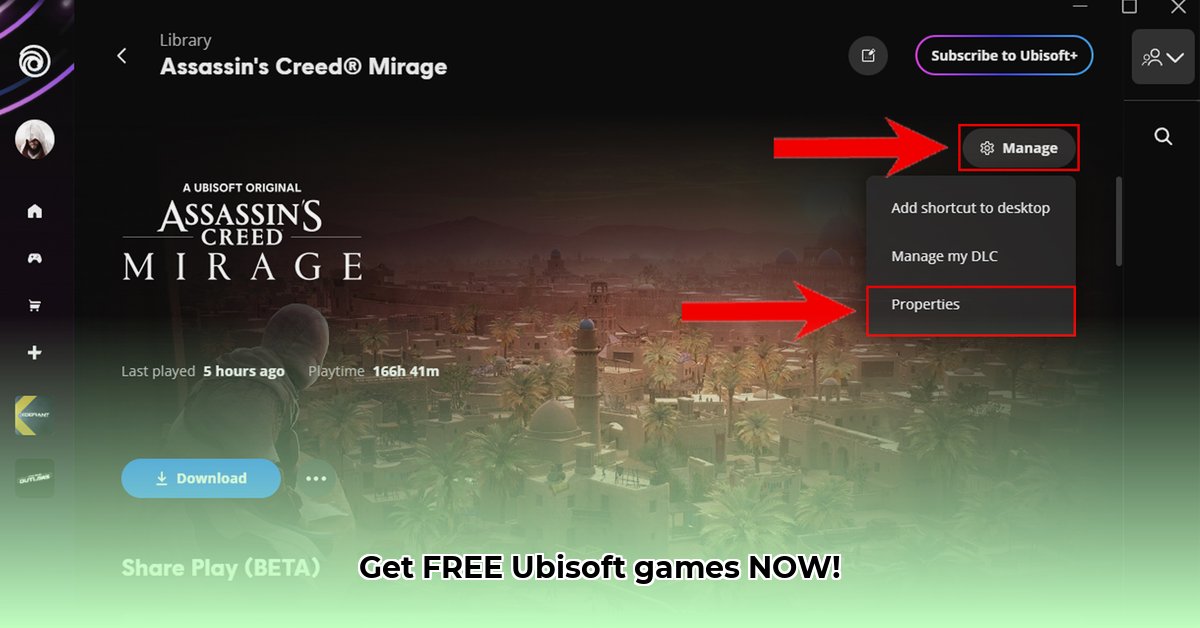
Game Selection: After clicking the game image, you'll see a prominent "Download" button. Click it to begin the download process.
Download Initiation: Ubisoft Connect will start downloading the game files to your chosen location (usually the default is fine). You'll see a progress bar indicating download progress and estimated time remaining.
Progress Monitoring: Keep an eye on the progress bar! You can pause and resume the download at any time directly within the app.
Installation and Gameplay: Once the download completes, installation will begin automatically. This may take some time, depending on the game's size and your computer's speed. Once installed, it’s game on!
Troubleshooting: Solving Common Download Problems
Even the best-laid plans can encounter hiccups. Here are some common download issues and their solutions:
Slow Download Speeds: Check your internet connection. Is it working correctly? Are other devices using significant bandwidth? Try restarting your router or modem. Did you know that a simple restart can often resolve slow download issues?
Installation Errors: Ensure you have sufficient free hard drive space. Games can be quite large. If you’re low on space, free some up before retrying. If errors persist after freeing space, restart your computer and the Ubisoft Connect app. If the problem continues, consult the Ubisoft Connect support website for game-specific solutions.
Game Won't Launch: Verify that your computer meets the game's minimum system requirements (listed on the game's page). If requirements aren't met, the game won't run. If your system meets the requirements but the game still won't launch, try reinstalling the game. If this doesn't work, contact Ubisoft support for assistance.
Beyond Downloads: Exploring Ubisoft Connect
Ubisoft Connect offers more than just game downloads. It's a social hub for connecting with friends, participating in events, and earning rewards. Explore its features – you might be surprised!
Ubisoft Connect: Weighing the Pros and Cons
Here's a quick summary of the advantages and disadvantages:
| Feature | Advantages | Disadvantages |
|---|---|---|
| Game Library | Centralized access to all your Ubisoft games. | Can be overwhelming with a large game collection. |
| Download Management | Easy pausing, resuming, and progress monitoring. | Download speed depends on your internet connection. |
| Social Features | Connects you with friends and shares gaming moments. | Could benefit from additional features. |
For more comprehensive troubleshooting, refer to the official Ubisoft Connect support website. Happy gaming!
⭐⭐⭐⭐☆ (4.8)
Download via Link 1
Download via Link 2
Last updated: Thursday, May 01, 2025